Kill the Fluff. Read Less. Know More.
Replace corporate PR doublespeak, buzzword-heavy essays, and bloated news inline directly within the active webpage. Highlight text to summarize instantly with high-speed AI truth.
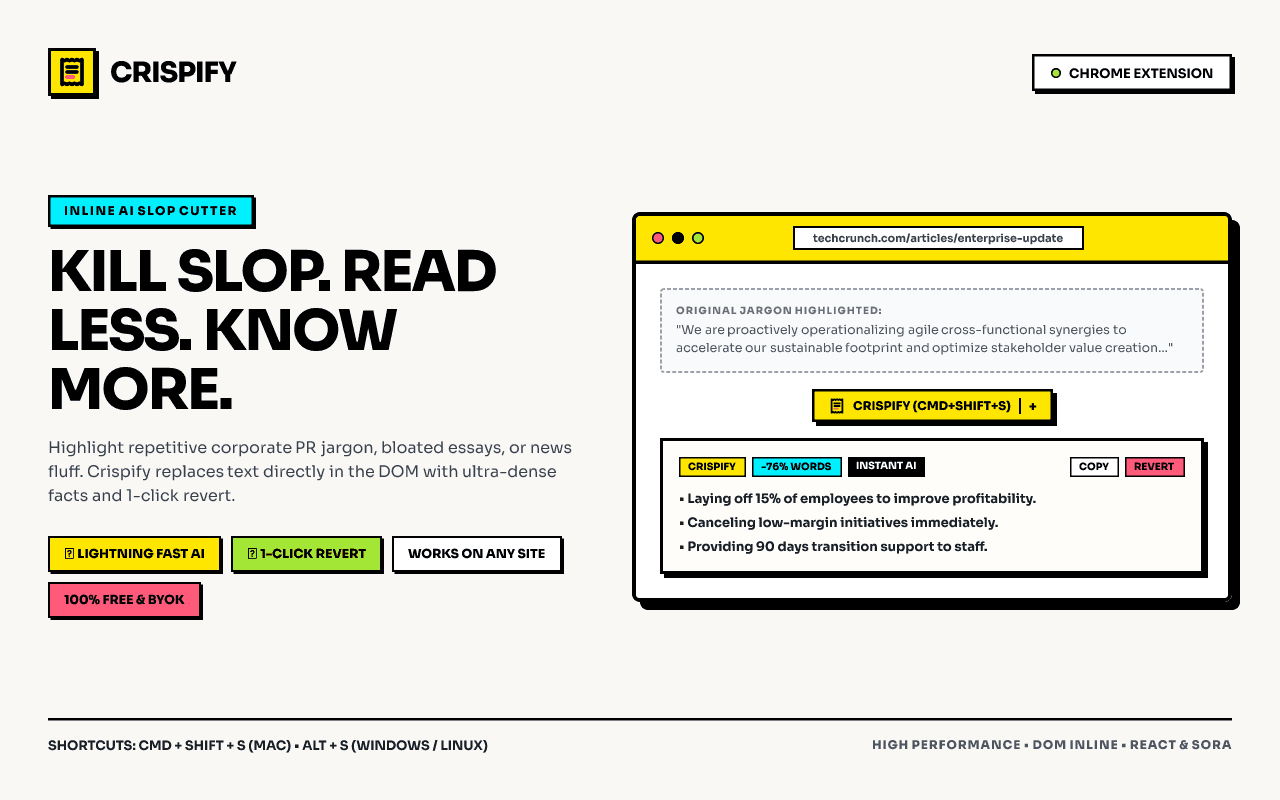
See How Crispify De-Slops Real Text
Test the 4 transformation modes below to see how inline DOM replacement eliminates corporate fluff while keeping every critical outcome intact.
Our new AI system speeds up enterprise operations by 48% and improves customer engagement across all company channels.
Built for High-Velocity Readers
No copy-pasting into chat windows. No waiting for spinning wheels. Just pure dense facts injected right where you read.
Inline DOM Replacement
Selected text is replaced directly in the webpage flow. You never leave the article, lose your place, or fiddle with sidebars.
Dual AI Engine (300+ t/s)
Powered primarily by Groq LPU running OpenAI GPT-OSS 120B with automatic Google Gemini 2.0 Flash fallback when rate-limited.
100% Free & BYOK
Bring Your Own Key using free-tier keys from Groq and Google AI Studio. No monthly subscriptions, no credit cards, and no token markups.
Zero Telemetry & Local Only
Your API keys, preferences, and summary history stay locked inside your device storage. We never run analytics or store your text.
3 Lightning-Fast Ways to Trigger Crispify
Transform text effortlessly using whatever input method fits your workflow.
Keyboard Shortcut
Highlight text, press the hotkey, and watch the text transform inline instantly without lifting your hands from the keys.
Floating Action Pill
A sleek neo-brutalist pill floats near your cursor on selection. Click it to trigger your default mode or pick a custom mode.
Context Menu
Right-click any highlighted paragraph and select "Crispify Selection" from the standard browser context menu.
How to Install in Google Chrome (30 Seconds)
Load the unpacked extension into Chrome Developer mode in 4 simple clicks.
Open Chrome Extensions
In Google Chrome, navigate to chrome://extensions in your address bar.
Enable Developer Mode
Toggle the "Developer mode" switch in the top-right corner of the Extensions page.
Click "Load Unpacked"
Click "Load unpacked", select the unzipped crispify folder, and pin the icon!
Frequently Asked Questions
Start Reading the Web Without the Fluff
Download Crispify today. 100% free, client-side, zero tracking, and powered by the world’s fastest AI engines.